Immich Self-Hosted Photo Management Application
Why Immich? Why Self-Host Your Photos?
Your photos are yours. When you store them on iCloud or Google Photos, you're handing over your most personal data — family moments, locations you visit, faces of people you know — to a corporation that can change pricing, terms, or access at any time.
Immich is a free, open-source, self-hosted alternative that gives you:
Full ownership: Photos live on YOUR hardware. No one can scan, train AI on, or monetize your memories.
No monthly fees: iCloud and Google charge $1-$10/month for storage. With Immich, you pay once for a hard drive and that’s it. 1 TB of cloud storage costs ~$120/year. 1 TB hard drive costs ~$40 once.
No storage limits: Your only limit is your disk size. No “storage full” warnings pushing you to upgrade.
Privacy by design: Photos never leave your network. Combined with Tailscale, access is encrypted end-to-end with zero exposure to the public internet.
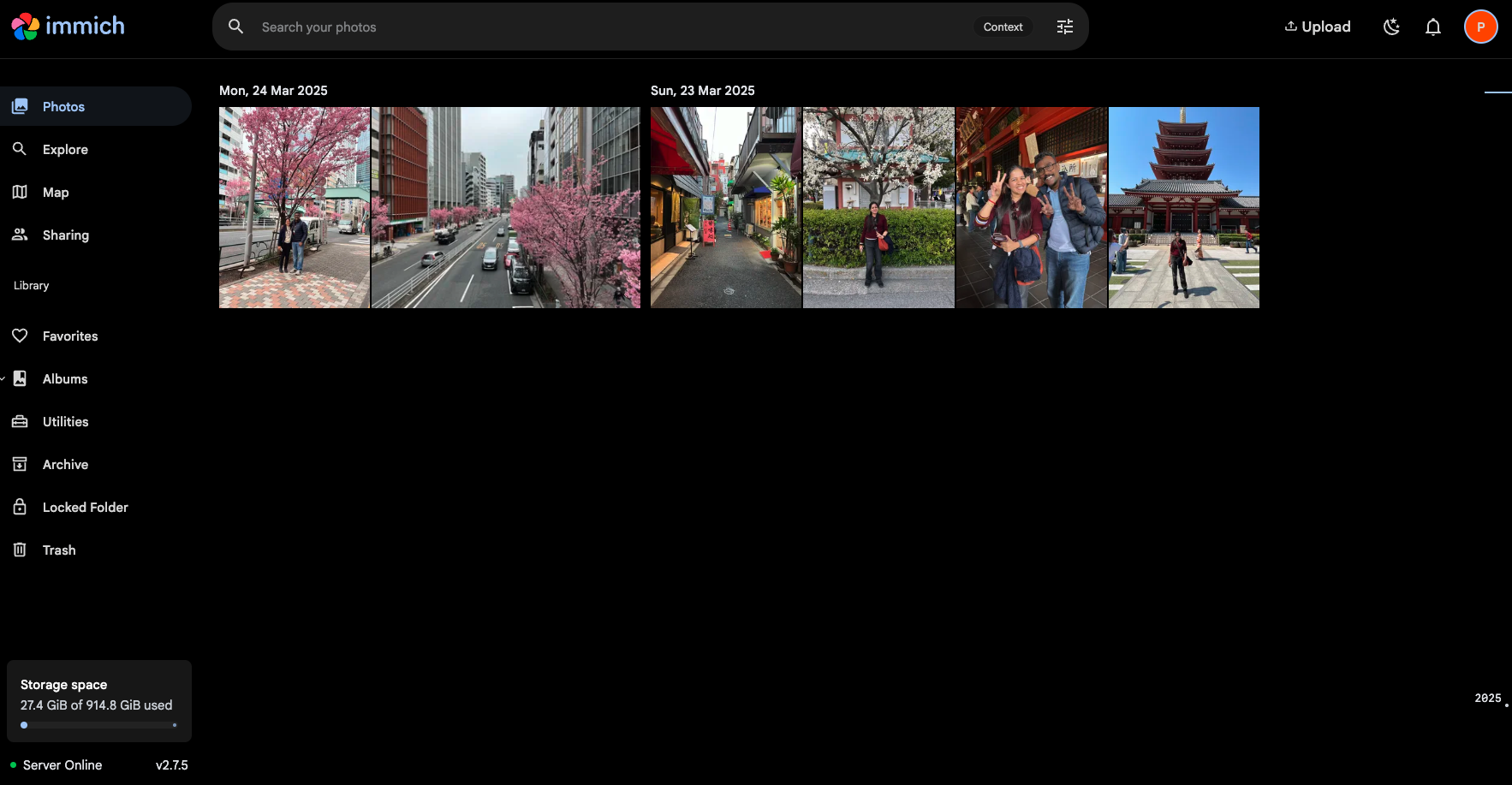
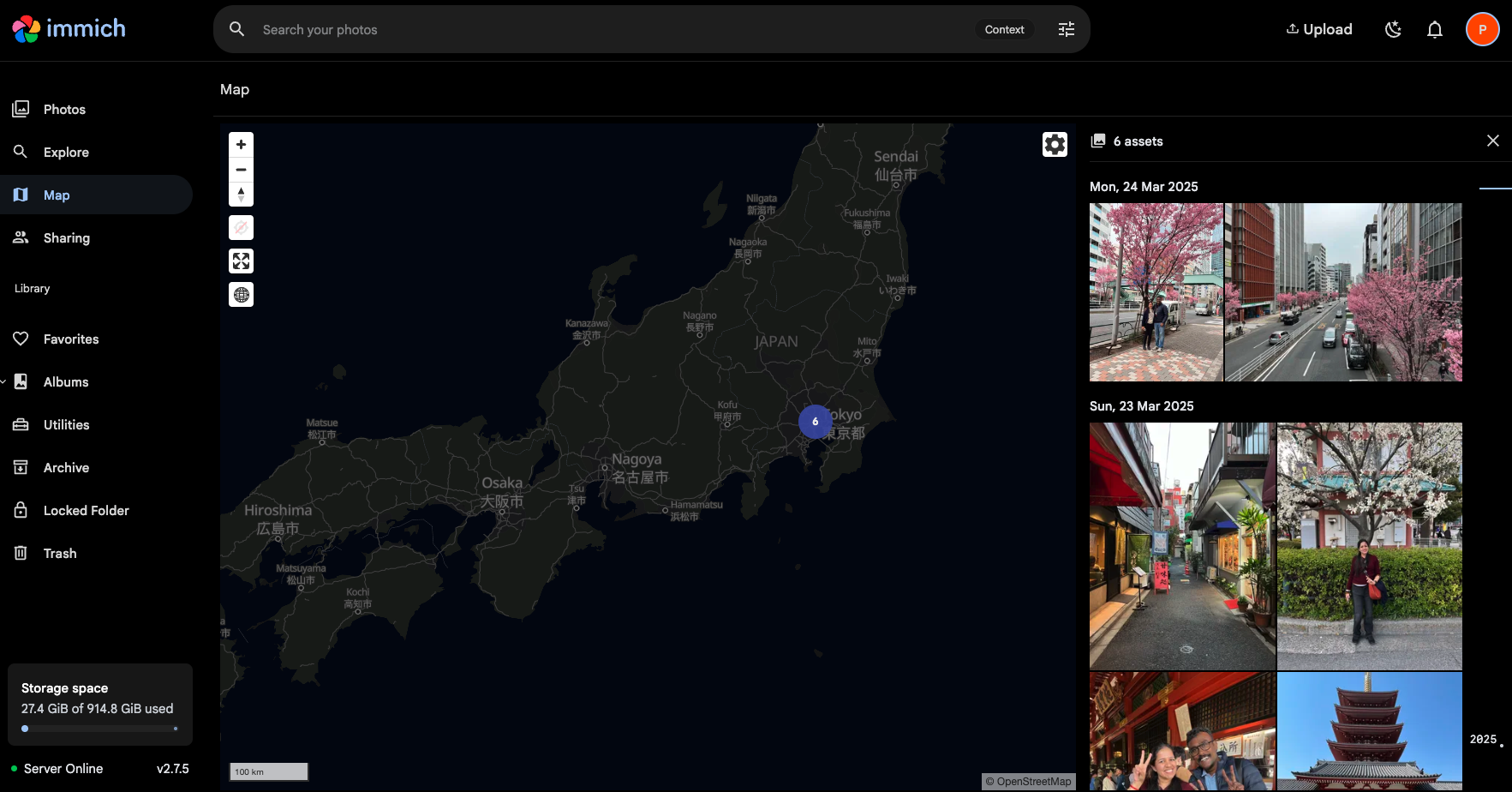
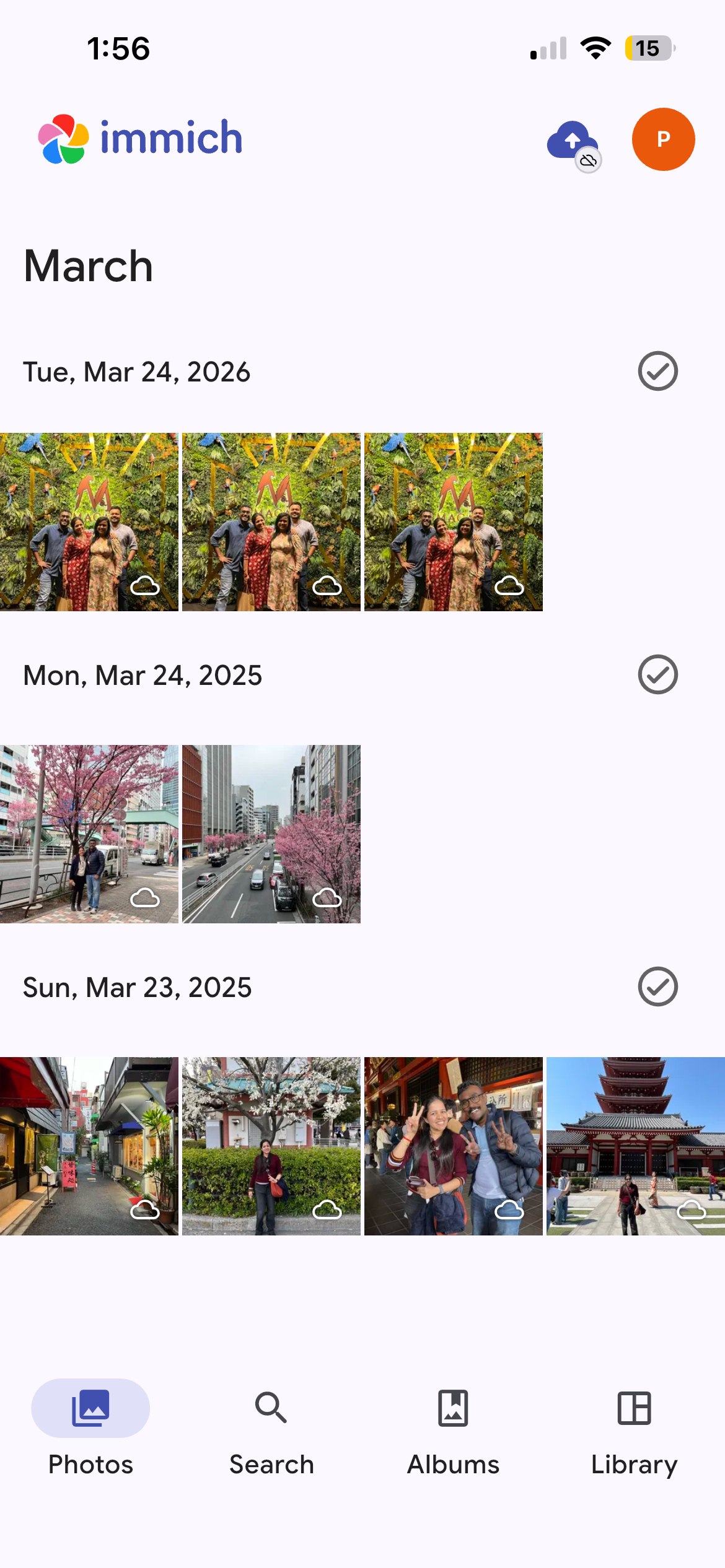
Google Photos-like experience: Immich isn’t some bare-bones file browser. It has a timeline, map view, albums, sharing, face recognition, smart search — the features you’re used to, without the surveillance.
No vendor lock-in: Your photos are stored as regular files on disk in a clean folder structure (year/date/filename). Want to leave Immich? Just copy the folder. Try doing that with iCloud.
Works on all devices: Web app, iOS app, Android app — all accessible over Tailscale from anywhere in the world.
Immich vs iCloud Photos vs Google Photos
+-------------------------+-------------------+-------------------+-------------------+
| Feature                 | Immich            | iCloud Photos     | Google Photos     |
+-------------------------+-------------------+-------------------+-------------------+
| Cost                    | Free (open-source)| $0.99-$9.99/month | $1.99-$9.99/month |
| Storage limit           | Your disk size    | 5 GB free, then $ | 15 GB free, then $|
| Photo ownership         | 100% yours        | Apple's servers   | Google's servers  |
| Privacy                 | Fully private     | Apple can access  | Google scans for  |
|                         |                   | with court order  | ads/ML training   |
| AI/ML features          | Optional, local   | Built-in, cloud   | Built-in, cloud   |
| Face recognition        | Yes (on-device)   | Yes (on-device +  | Yes (cloud-based) |
|                         |                   | cloud)            |                   |
| Smart search            | Yes (local ML)    | Yes               | Yes               |
| Map view                | Yes               | Yes               | Yes               |
| Auto-backup from phone  | Yes               | Yes               | Yes               |
| Sharing/albums          | Yes               | Yes               | Yes               |
| Web access              | Yes               | Yes               | Yes               |
| Mobile app              | iOS + Android     | iOS only          | iOS + Android     |
| Video support           | Yes + transcoding | Yes               | Yes (may compress)|
| RAW photo support       | Yes               | Yes               | Limited           |
| Data portability        | Plain files on    | Export via         | Google Takeout    |
|                         | disk, easy copy   | iCloud.com, slow  | (messy ZIP dumps) |
| Works if company shuts  | Yes, it's yours   | No                | No                |
| down or changes terms   |                   |                   |                   |
| Internet required       | No (local access) | Yes               | Yes               |
| Can self-host           | Yes               | No                | No                |
| Requires technical      | Some (Docker)     | None              | None              |
| setup                   |                   |                   |                   |
| Runs on your hardware   | Yes               | No                | No                |
| End-to-end encrypted    | Yes (w/ Tailscale)| Partial (Advanced | No                |
| access                  |                   | Data Protection)  |                   |
+-------------------------+-------------------+-------------------+-------------------+
The trade-off is clear: Immich requires a one-time setup (about 15 minutes with Docker), but in return you get permanent, free, private photo management with no recurring costs and no dependency on any company’s continued goodwill.
Other Ways to Host Immich
Immich runs anywhere Docker runs. Here are the common options:
+-------------------------+----------------+----------------+-----------------+---------------+
| Hosting Option          | Monthly Cost   | Storage Cost   | Best For        | Complexity    |
+-------------------------+----------------+----------------+-----------------+---------------+
| Home server / old PC    | $0 (electricity| $0 (use        | Homelabbers,    | Low           |
|   (what we did here)    | only, ~$5-10)  | existing disk) | maximum privacy |               |
+-------------------------+----------------+----------------+-----------------+---------------+
| Raspberry Pi 4/5        | $0 (electricity| USB SSD ~$40   | Low-power 24/7  | Low           |
|                         | ~$2-3/month)   | for 1 TB       | home server     |               |
+-------------------------+----------------+----------------+-----------------+---------------+
| AWS EC2                 | $8-20/month    | EBS: $0.08/GB  | Already in AWS  | Medium-High   |
|   (t3.medium or larger) | (instance)     | ($80/TB/month) | ecosystem       |               |
+-------------------------+----------------+----------------+-----------------+---------------+
| DigitalOcean Droplet    | $12-24/month   | Volumes:       | Simple cloud    | Medium        |
|   (2 GB+ RAM)           |                | $0.10/GB/month | setup, good UI  |               |
+-------------------------+----------------+----------------+-----------------+---------------+
| Hetzner VPS             | $4-8/month     | Volumes:       | Budget cloud,   | Medium        |
|   (best bang for buck)   |                | $0.05/GB/month | EU data privacy |               |
+-------------------------+----------------+----------------+-----------------+---------------+
| Linode/Akamai           | $12-24/month   | Volumes:       | Reliable cloud  | Medium        |
|                         |                | $0.10/GB/month | alternative     |               |
+-------------------------+----------------+----------------+-----------------+---------------+
| Oracle Cloud Free Tier  | $0 (free ARM   | 200 GB free    | Truly free,     | Medium-High   |
|   (ARM Ampere A1)       | instance, 24GB | block storage  | generous specs  |               |
|                         | RAM, 4 cores)  |                | but limited     |               |
+-------------------------+----------------+----------------+-----------------+---------------+
| Dedicated server        | $30-60/month   | Included       | Large libraries | Medium        |
|   (Hetzner, OVH)        |                | (1-2 TB disk)  | (50K+ photos)   |               |
+-------------------------+----------------+----------------+-----------------+---------------+
| NAS (Synology/QNAP)    | $0 (electricity| Built-in RAID  | Already own a   | Low-Medium    |
|   via Docker/Container  | ~$5-10/month)  | storage        | NAS             |               |
|   Manager               |                |                |                 |               |
+-------------------------+----------------+----------------+-----------------+---------------+
Key considerations when choosing:
RAM matters most: Immich needs 4-6 GB minimum (8 GB+ with ML). Cheap 1 GB VPS won’t work.
Storage costs add up in the cloud: A 500 GB photo library on AWS EBS costs ~$40/month just for storage. On a home server, a 1 TB SSD costs $40 once. This is the #1 reason home hosting wins for photo management.
Cloud storage cost comparison for 1 TB of photos:
Home server: $40 one-time (SSD) + ~$5/month electricity = $100/year
Hetzner VPS: $8/month + $50/month storage = $696/year
AWS EC2 + EBS: $15/month + $80/month storage = $1,140/year
DigitalOcean: $12/month + $100/month storage = $1,344/year
Google Photos (2TB): $10/month = $120/year (but you lose ownership and privacy)
Network access:
Home server + Tailscale: Free, private, encrypted. No ports exposed. (Our setup)
Cloud VPS: Needs firewall rules, reverse proxy (Caddy/Nginx), SSL certs, and careful security hardening since it’s on the public internet.
Cloud VPS + Tailscale: Best of both — cloud reliability with private access.
Privacy ranking (most to least private):
Home server + Tailscale (photos never leave your house)
Cloud VPS + Tailscale (photos on a VPS you control, private access)
Cloud VPS + public access (you control the server, but it’s internet-facing)
iCloud/Google Photos (third party controls everything)
Bottom line: For most people with a spare PC or laptop, home hosting is the cheapest and most private option. Cloud VPS makes sense if you need 24/7 uptime and don’t want to manage hardware, but the storage costs make it expensive for large photo libraries.
Accessing Immich Remotely Without Tailscale
If you don’t use Tailscale (or a similar overlay network), here’s how you can still access your self-hosted Immich from outside your home network:
+---------------------------+---------------------------------------+-------------------------------------------+
| Method                    | How It Works                          | Downsides                                 |
+---------------------------+---------------------------------------+-------------------------------------------+
| LAN only                  | Access via laptop's local IP          | Only works on home WiFi, no remote access |
|                           | (e.g. 192.168.0.x:2283)              |                                           |
+---------------------------+---------------------------------------+-------------------------------------------+
| Port forwarding           | Forward port 2283 on your router      | Exposes Immich to the entire internet.    |
|                           | to the laptop's local IP              | Security risk. IP changes unless static.  |
+---------------------------+---------------------------------------+-------------------------------------------+
| Dynamic DNS + port        | Use DuckDNS/No-IP for a stable        | Still publicly exposed. Needs router      |
| forward                   | hostname (e.g. myphotos.duckdns.org)  | config. HTTP only unless you add SSL.     |
+---------------------------+---------------------------------------+-------------------------------------------+
| Reverse proxy (Caddy/     | Put Caddy or Nginx in front of Immich | More secure (auto HTTPS), but still       |
| Nginx) + DDNS             | with automatic SSL certificates       | public-facing. More setup and maintenance.|
+---------------------------+---------------------------------------+-------------------------------------------+
| Cloudflare Tunnel         | Free, no port forwarding needed.      | Cloudflare sees your traffic. ToS         |
|                           | Gives you a domain with HTTPS.        | technically discourages heavy media       |
|                           |                                       | serving (photos/videos).                  |
+---------------------------+---------------------------------------+-------------------------------------------+
| ZeroTier                  | Similar to Tailscale — creates a      | Free tier available. Slightly more        |
|                           | private overlay network between       | manual config than Tailscale.             |
|                           | your devices.                         |                                           |
+---------------------------+---------------------------------------+-------------------------------------------+
| WireGuard (manual)        | Set up your own VPN server on the     | Full control, but you manage keys,        |
|                           | laptop. Connect from phone/other      | routing, DNS, and firewall yourself.      |
|                           | devices via WireGuard client.         |                                           |
+---------------------------+---------------------------------------+-------------------------------------------+

Recommendation: Tailscale is the simplest and most secure option for private access.
Zero config on the server side, encrypted, private, free for personal use (up to 100
devices). The alternatives either expose your server to the public internet or require
significantly more manual setup. We used Tailscale for this install.
Our Setup
Platform: Arch Linux laptop (homelab server)
Access method: Tailscale (private tailnet, no public exposure)
Pre-Installation System Check
Docker: v29.3.1 — already installed and running Docker Compose: v5.1.1 — already installed Tailscale: running, IP Devices on tailnet: Port 2283: free (Immich default port) Disk: 845 GB free on / — plenty for photo storage RAM: 7.7 GB total, 4.7 GB available — meets minimum (6 GB recommended) CPU: 4 cores
Decision: Machine Learning Container
Decision: Comment out the immich-machine-learning service from docker-compose.yml Reason: ML container idles at ~1-1.5 GB RAM even when not processing. On a 7.7 GB system running other homelab services, that’s too much overhead. User uploads ~50 photos/week — ML is job-based (runs only on new uploads), so it can be re-enabled later for batch processing when needed. What’s lost: face recognition, smart/natural language search, auto-tagging, CLIP duplicate detection What still works: upload, browse, timeline, map, albums, sharing, search by date/location/filename
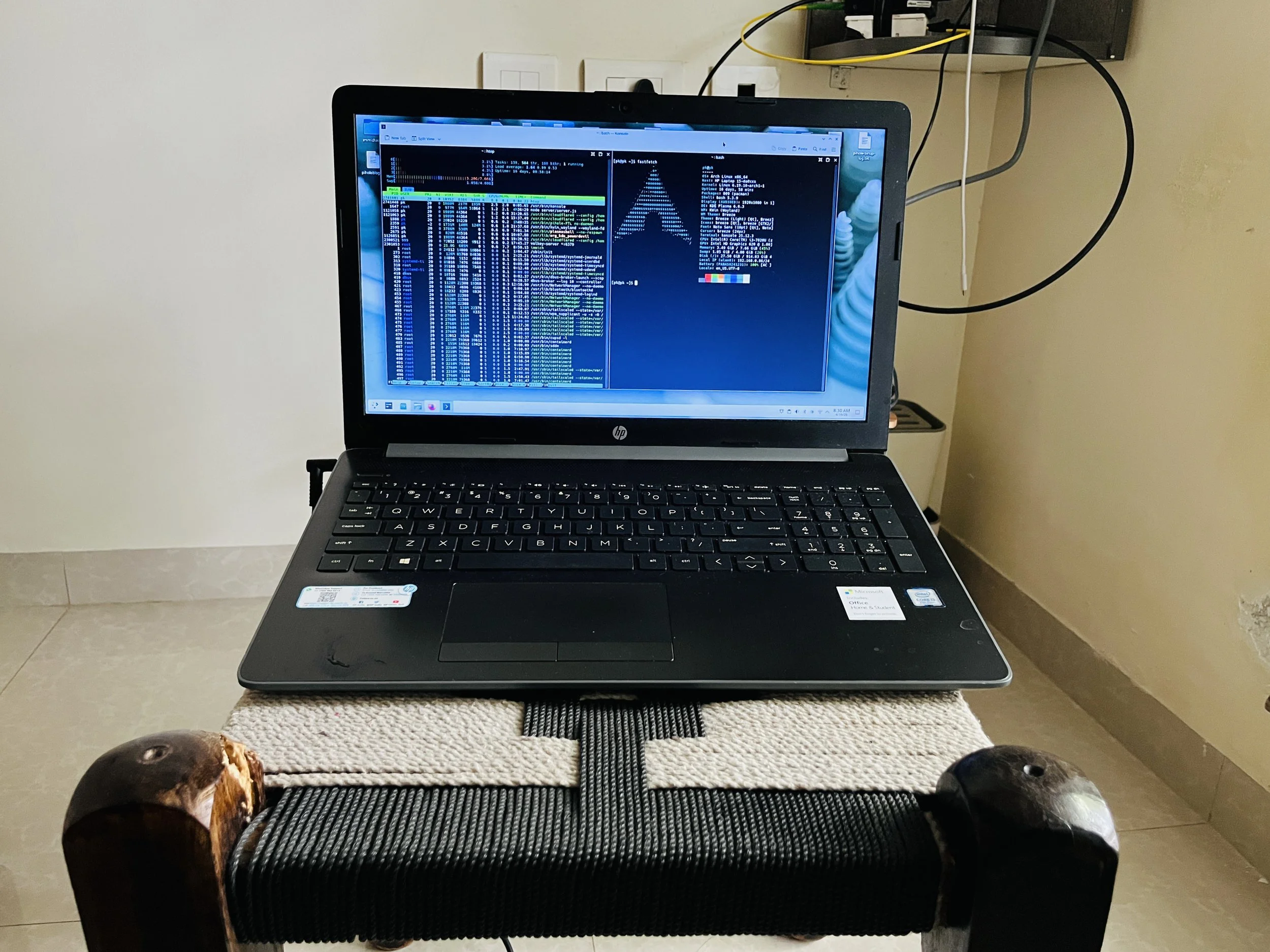
Old laptop now working as a 24/7 Server.
Step 1: Create directory and download official files
Commands:
Result: Downloaded Immich v2.7.5 (latest at time of install)
Step 2: Comment out ML service in docker-compose.yml
Commented out the entire immich-machine-learning service block and the model-cache volume. To re-enable later: uncomment those sections and run docker compose up -d
Step 3: Configure .env
Set the following values:
Created directories:
Step 4: Start the stack
Command:
Images pulled:
Step 5: Verification
Access Details
Next Steps
Open http://localhost:2283 in browser — create admin account (first user becomes admin)
Install Immich app on iPhone → set server URL to http://
:2283
Configure auto-backup in Immich mobile app settings
Consider using MagicDNS hostname instead of IP (survives IP changes)
Post-Install Resource Usage (no ML)
Checked after uploading photos. Immich is lightweight without the ML container.
Docker container stats:
+-------------------+--------+-------------------+--------+
| Container         | CPU %  | RAM Usage         | RAM %  |
+-------------------+--------+-------------------+--------+
| immich_server     | 2.15%  | 704 MB            | 8.97%  |
| immich_postgres   | 0.00%  | 299 MB            | 3.81%  |
| immich_redis      | 0.91%  | 19 MB             | 0.25%  |
+-------------------+--------+-------------------+--------+
| Immich total      | ~3%    | ~1 GB             | ~13%   |
+-------------------+--------+-------------------+--------+

Other homelab services running alongside:
+-------------------+--------+-------------------+--------+
| audiobookshelf    | 0.03%  | 40 MB             | 0.51%  |
| uptime-kuma       | 0.79%  | 185 MB            | 2.35%  |
| pihole            | 0.48%  | 18 MB             | 0.22%  |
+-------------------+--------+-------------------+--------+

System-wide:
  Total RAM: 7.7 GB | Used: 3.6 GB | Available: 4.1 GB
  Swap: 4.0 GB total | Used: 1.1 GB
Verdict
Immich uses ~1 GB total (all 3 containers) with ML disabled. This leaves plenty of headroom for other homelab services. With ML enabled, expect an additional 1-1.5 GB idle RAM usage.
Notes for Future
To re-enable ML: uncomment immich-machine-learning in docker-compose.yml, run docker compose up -d
To update Immich: docker compose pull && docker compose up -d (read release notes first!)
Backup both /home/
/immich/library AND the postgres database
Immich pins to v2 — won’t auto-upgrade to v3 if/when released